
 THANK YOU FOR VOLUNTEERING!
Our simple online process makes it easy to help our students and schools.
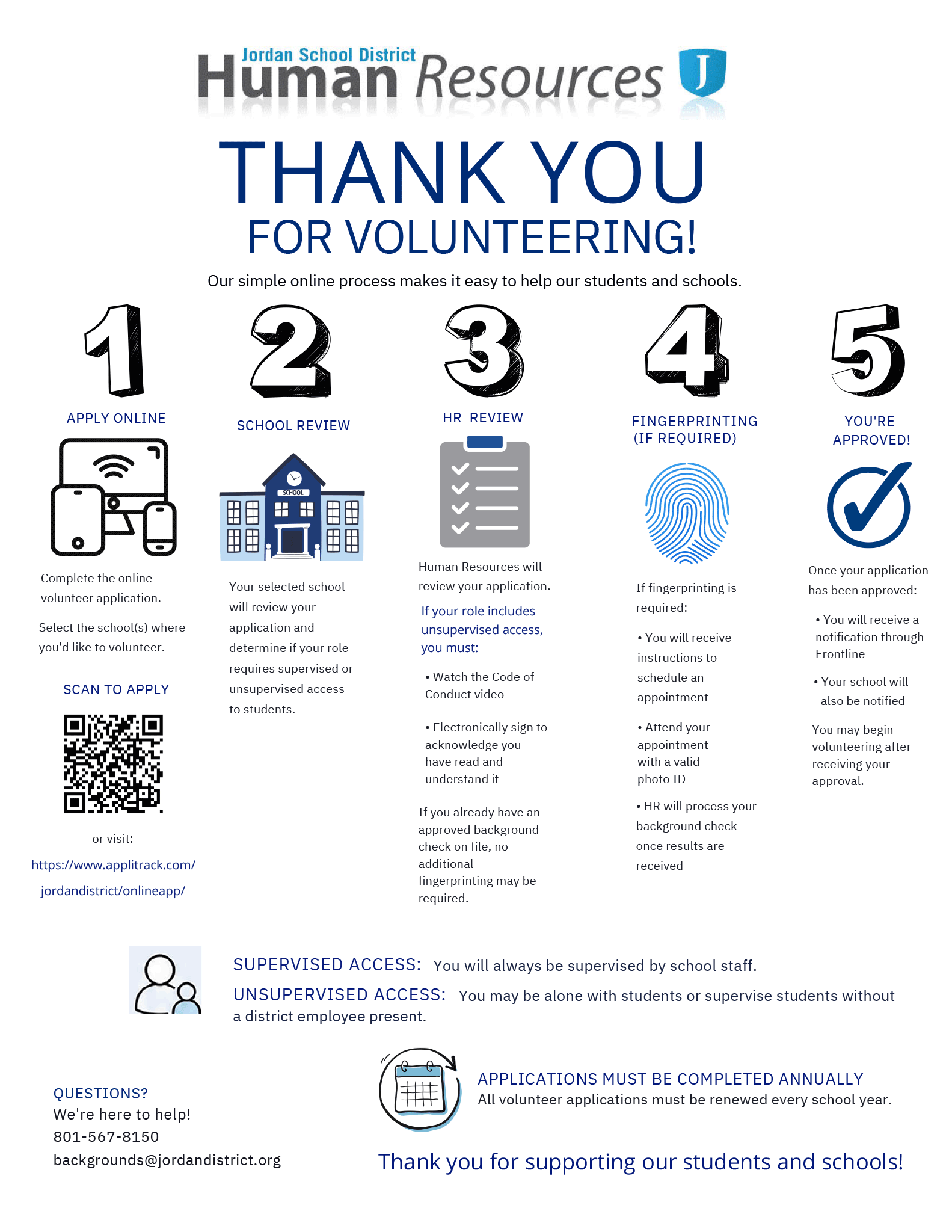
- APPLY ONLINE - Complete the online volunteer application. Go to the Frontline Volunteer Application page and select the school(s) where you'd like to volunteer.
- SCHOOL REVIEW - Your selected school will review your application and determine if your role requires supervised or unsupervised access to students.
- Supervised Access: You will always be supervised by school staff.
- Unsupervised Access: You may be alone with students or supervise students without a District employee present.
- HR REVIEW - Human Resources will review your application. If your role includes unsupervised access, you must:
- Watch the Code of Conduct video
- Electronically sign to acknowledge you have read and understand it
- If you already have an approved background check on file, no additional fingerprinting may be required.
- FINGERPRINTING (IF REQUIRED) - If fingerprinting is required: • You will receive instructions to schedule an appointment • Attend your appointment with a valid photo ID • HR will process your background check once results are received.
- YOU'RE APPROVED! - Once your application has been approved:
- You will receive a notification through Frontline
- Your school will also be notified
- You may begin volunteering after receiving your approval.
APPLICATIONS MUST BE COMPLETED ANNUALLY
All volunteer applications must be renewed every school year.
QUESTIONS?
We're here to help! Call 801-567-8150 or send an email to backgrounds@jordandistrict.org
Thank you for supporting our students and schools!